Key takeaways:
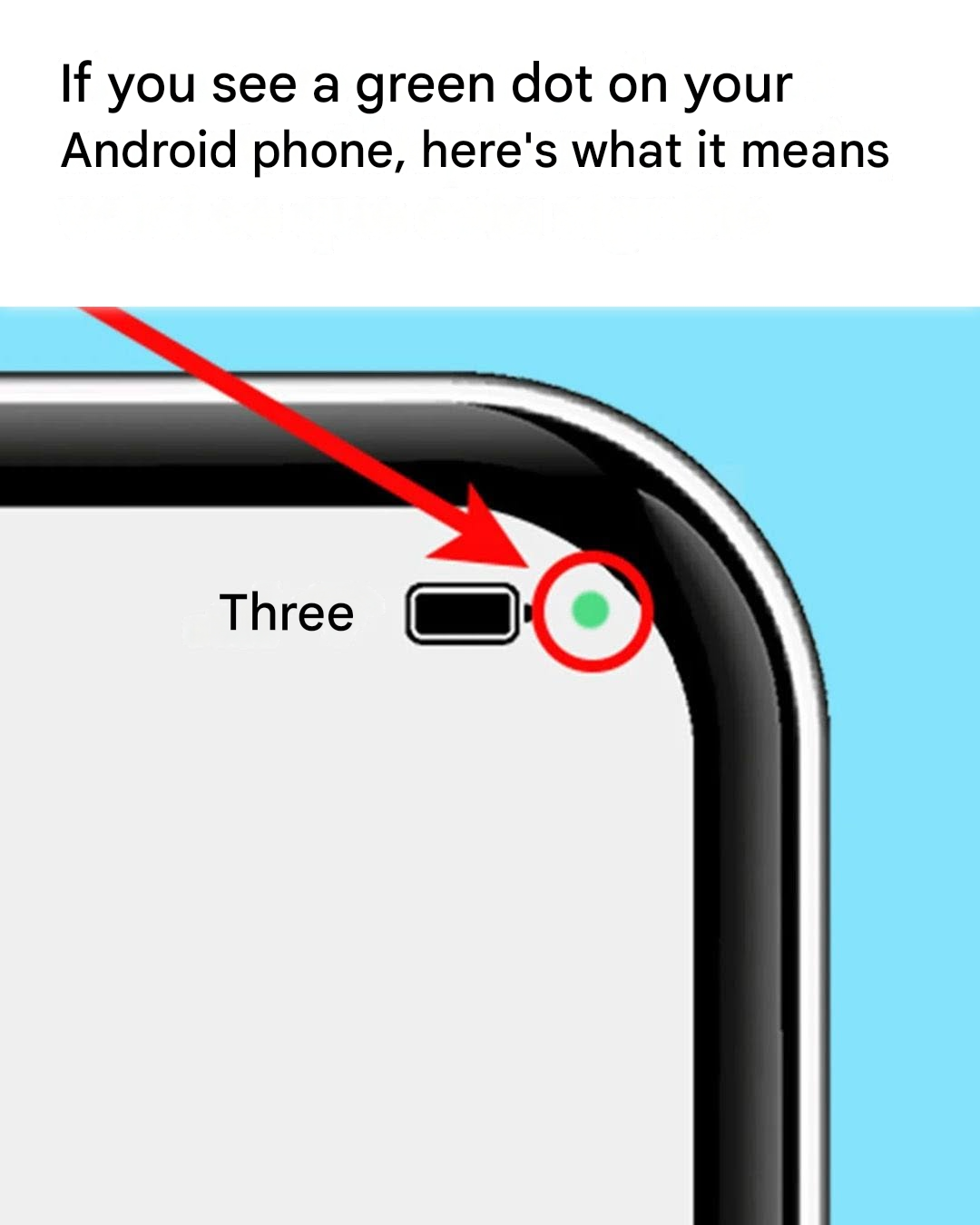
The green dot appears as soon as an app requests access to your microphone or camera. It's designed to gently alert you, so you can react quickly. Unlike iPhones, which differentiate access levels with colors (orange for the microphone, green for the camera), Android uses a single indicator.

How do I identify the application that is using my camera or microphone?
If this green dot appears even though you haven't opened any app requiring these permissions, it's essential to know which app is causing the problem. Good news: Android provides a simple method to trace it back to the source. Follow these steps:
Swipe down the notification bar. Tap the green dot: a window will open indicating whether the microphone, camera, or both are active. The name of the app in question will then be displayed on the screen. If the app is legitimate, you can let it continue running. Otherwise, it's time to review its permissions.